Four tools on the sensors your iPhone already has: a bubble level and angle finder, an AR tape measure, a decibel meter and a stud finder. Each one says up front what it cannot do.

Level & tape measure free · iPhone, iOS 17+ · 16 languages · No account
No attachments and no ads: each tool reads a sensor built into the iPhone.
A level on the accelerometer, flat for a shelf or a worktop and vertical for a picture or a door frame, with the angle in degrees.
Zero it against a surface you trust and it measures from there. Flat and vertical keep separate zeros, and a tone can tell you when you hit level.
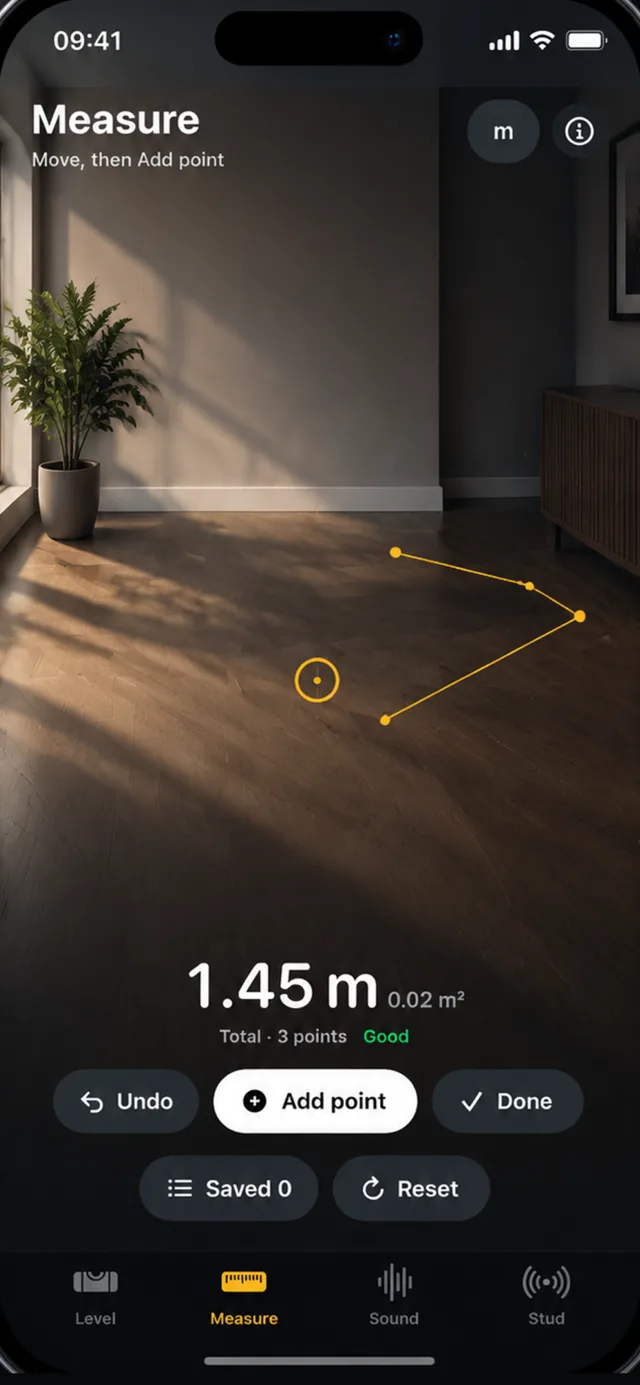
Tap to drop a point, move, tap again. Points chain into a path, so a run of skirting is one measurement, and three or more report the area.
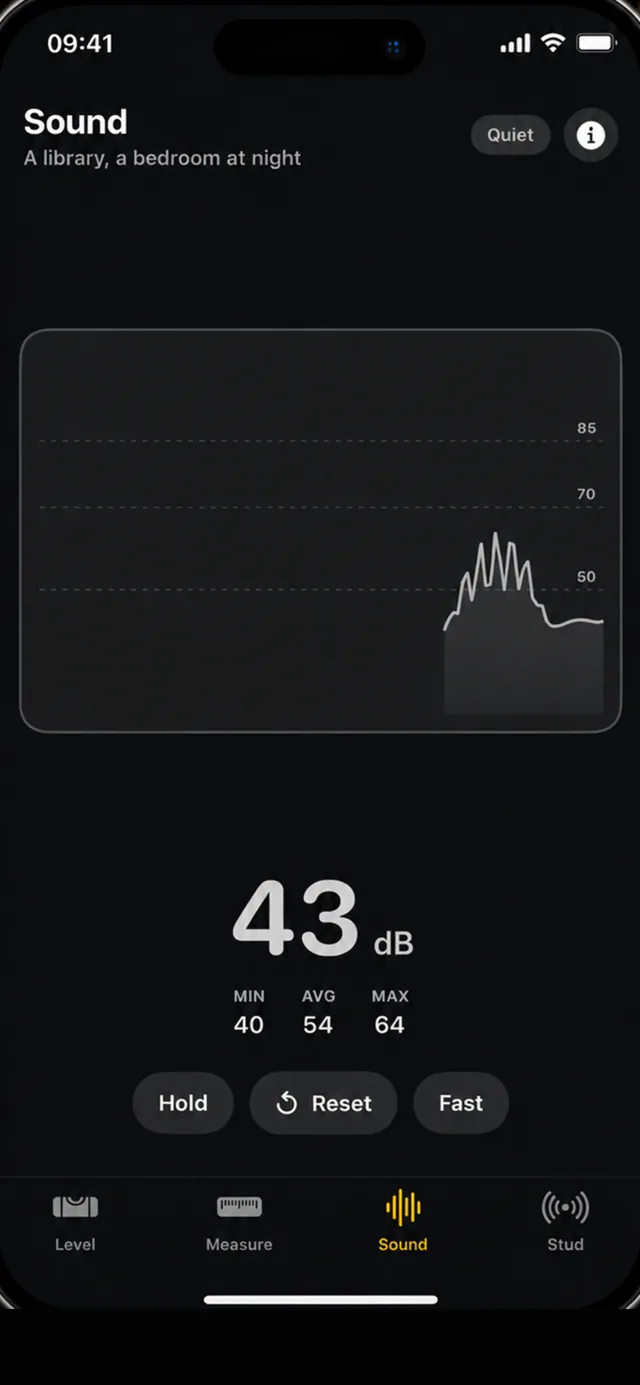
The current level with the session's minimum, maximum and L(eq) average, and Fast and Slow weighting that behave like a real meter's.
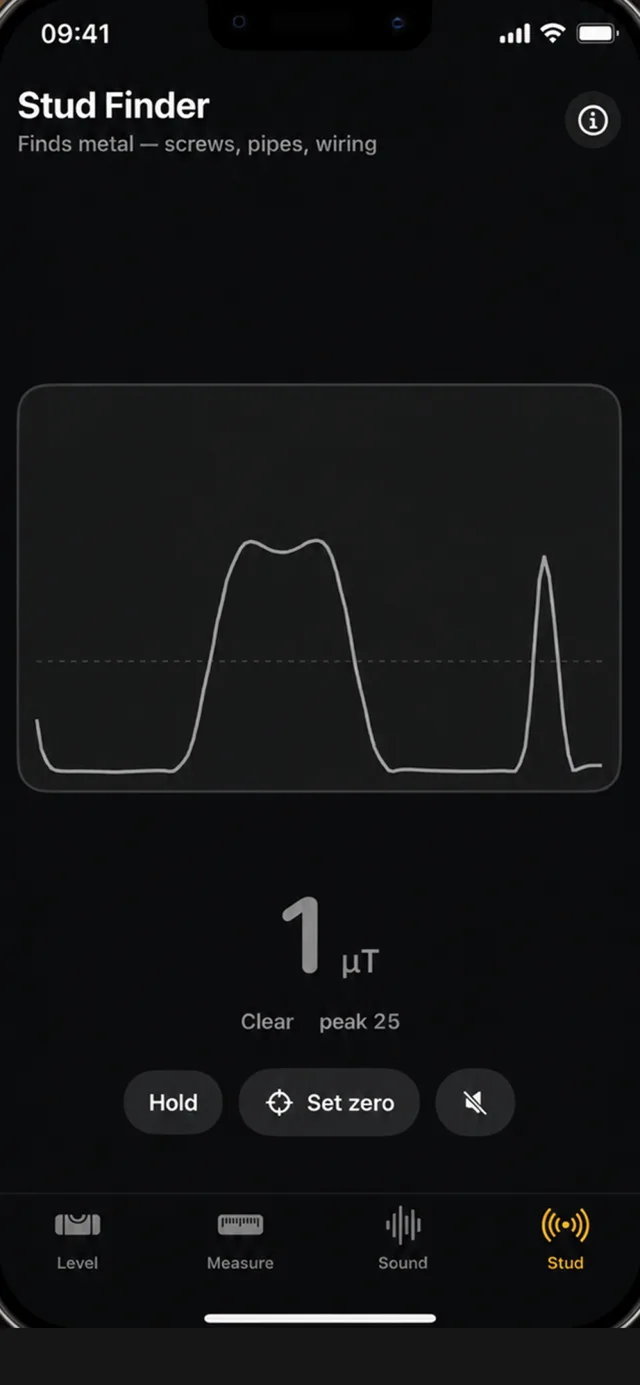
Sweep the wall and the trace shows each screw and nail the magnetometer finds. A line of hits at even spacing is a stud.
Every tool opens by saying, once, what it cannot do — before you rely on it for something that matters.
The level and the tape measure are free in full, forever. The sound meter and the stud finder are yours for three full sessions each.
With Toolkit Pro, every tool keeps what you measured — still there tomorrow, where Apple's Measure app forgets it when you close it.
Centimetres or inches, following whichever your iPhone is set to. No account to make, nothing to set up.
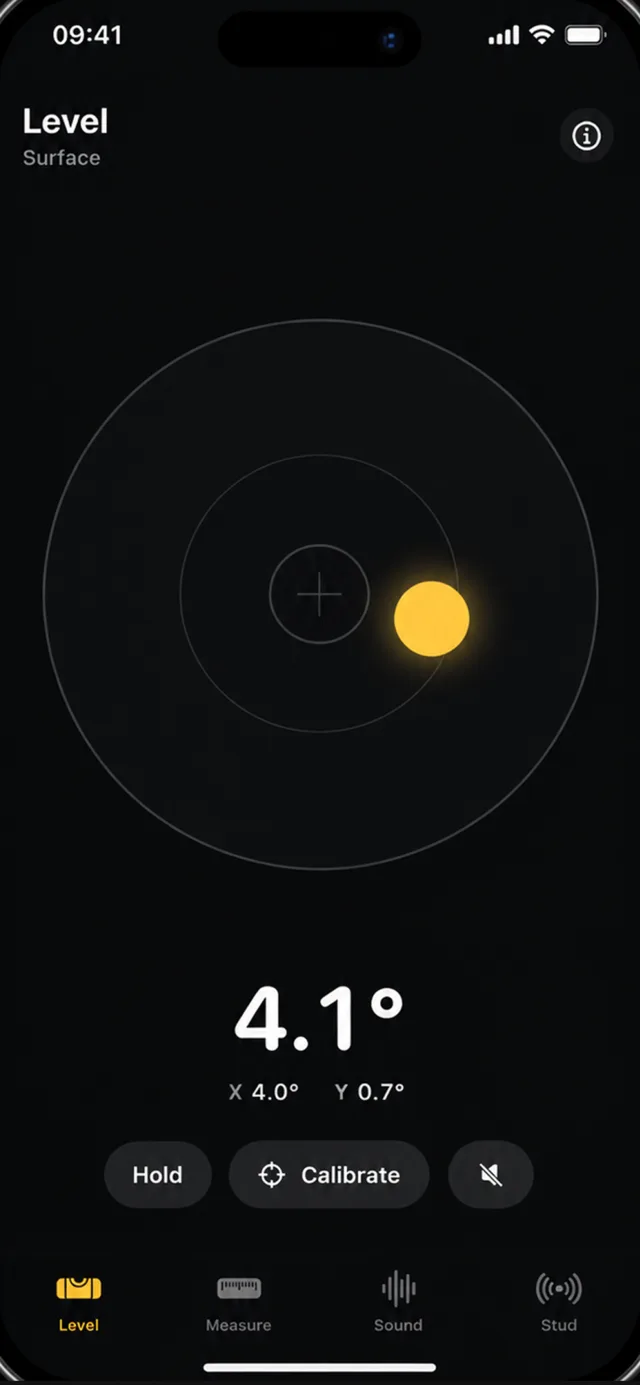
Lay the phone on a shelf and the bubble settles in the middle when it is level; stand it against a door frame and it reads plumb. The angle is shown to a tenth of a degree, with the tilt along each axis, so it doubles as an angle finder for a slope or a ramp. Hold freezes the reading when the screen is out of sight.
The level measures gravity, not your surface, so it is only as good as its zero: set zero on something you trust, and again whenever a case comes off.
Point the camera at a surface, tap to drop a point, move to the next and tap again. Points chain into a path — a run of skirting, the sides of a rug — and three or more of them also report the area they enclose. Units follow your iPhone: metres and centimetres, or feet and inches.
It estimates rather than measures: over a short span expect a centimetre or two out, over a room more. For anything that has to fit, check it with a tape.
The sound meter shows the level now and keeps the session's minimum, maximum and average. The average is L(eq), which averages sound energy rather than the numbers on screen, and Fast and Slow time weighting behave the way a real sound level meter's do. Handy for a noisy neighbour, a loud workshop or a nursery at night.
A phone microphone is not calibrated, so read it as an approximation: anything official needs a Class 1 or 2 meter.
Plasterboard is held to the frame with screws and nails, and the iPhone's magnetometer can feel them. Set zero on a clear part of the wall, sweep the phone slowly across it and the trace marks every hit. A line of hits at even spacing, usually 16 or 24 inches (40 or 60 cm) apart, is a stud.
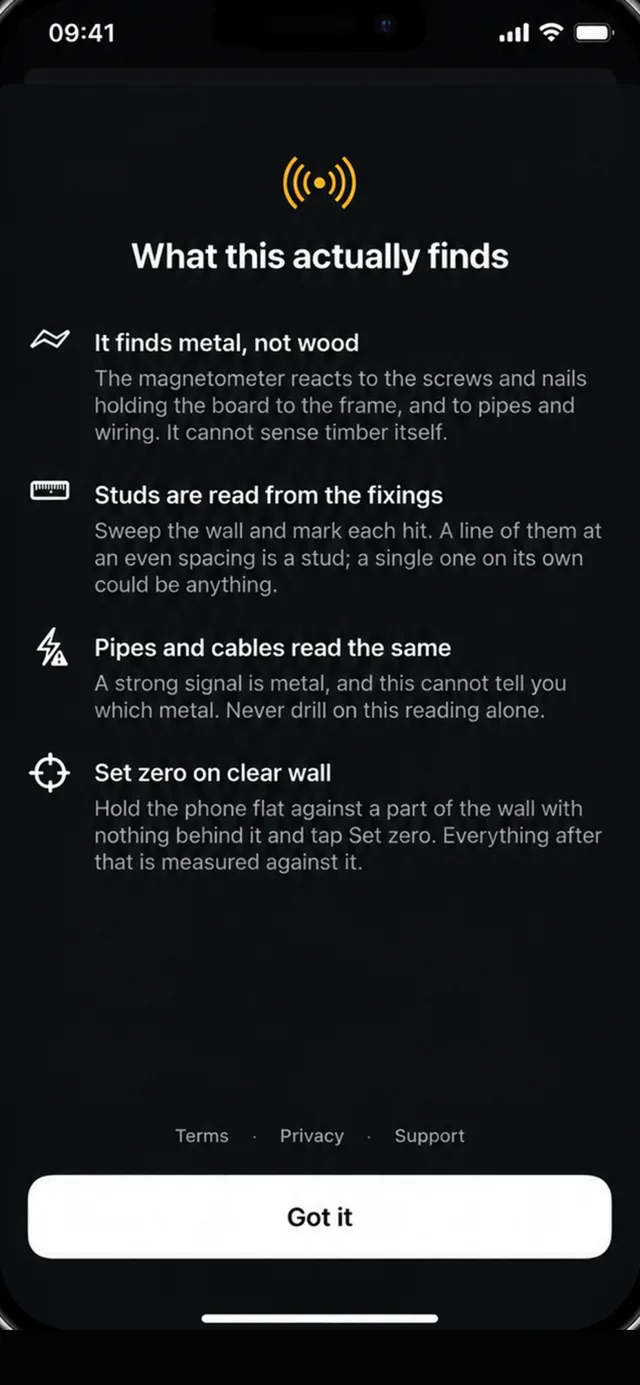
It finds metal, not timber, and cannot tell a screw from a pipe or a cable. Never drill on this reading alone.
The stud finder finds metal, not wood. The tape measure estimates rather than measures exactly. The sound meter is not calibrated. The level is only as good as its zero. The app says the same thing before you use each tool.
Level, tape measure, sound meter or stud finder, one tap apart along the bottom.
On a surface you trust for the level, on a clear patch of wall for the stud finder.
Hold a reading on screen, and with Pro keep it to come back to tomorrow.
In part. Toolkit's stud finder uses the iPhone's magnetometer, which reacts to metal, not wood: it finds the screws and nails that hold plasterboard to the studs. A line of hits at even spacing marks a stud; a single hit could just as well be a pipe or a cable. Never drill on this reading alone.
Over a short span, a centimetre or two; over a room, more. The tape measure places points in augmented reality, which estimates distance from the camera rather than measuring it, and a small aiming error grows with distance. Readings under three metres are the ones to trust. Check anything that has to fit with a tape.
As accurate as its zero. The level reads the accelerometer, which measures gravity, not your surface, so set zero on a surface you trust. A case or the camera bump tilts the phone by a fraction of a degree. Flat and vertical keep separate zeros.
Approximately. A phone microphone has no traceable sensitivity, its response is shaped by the case, and iOS may apply its own gain. Toolkit shows the current level with the minimum, maximum and L(eq) average, and Fast and Slow weighting, as a reference rather than a calibrated reading. For anything official, use a Class 1 or 2 sound level meter.
The level and the tape measure are free in full, with no watermark, nag or countdown. The sound meter and the stud finder can each be used for three complete sessions. Toolkit Pro unlocks both and lets every tool keep its measurements, as a monthly subscription or a one-time purchase.
No. Every tool runs on a sensor the iPhone already has, and there is no account to make. The microphone is read for levels and never recorded, and camera frames used to place measurement points are never saved.
Any iPhone with iOS 17 or later. The app is in 16 languages.
The level and the tape measure are free in full. The sound meter and the stud finder, for three sessions each.
Questions or a bug? Write to support@toolkit.slumbiapp.com or see Support.